You can spot sloppy AI writing fast. It feels clean, but also feels quite shallow and empty.
It hides behind big words and tries to sound smart instead of saying the way it is.
The way people actually communicate.
If you want to stop this, stop relying on “write better” advice. You need a hard constraint that forces you to write like a person.
This is a simple workflow that does exactly that.
The idea
You take a public list of AI writing signals. You keep it as a file. You feed that file to your AI tool before every session. That one move changes the default output.
A lot!
It also changes how you edit, because you start seeing the patterns in your own drafts.
How to configure LLM to stop using LLM phrases?
Step 1: Create master guard on how not to write
Open Wikipedia and find the page “Signs of AI writing.”
Select the whole page, and copy it. Then type docs.new in your browser to open new Google Doc and paste everything in. Download as markdown (.md).
Do not trim it or clean it. No need to make it pretty.
First part done, you now have a portable do not sound like this file.
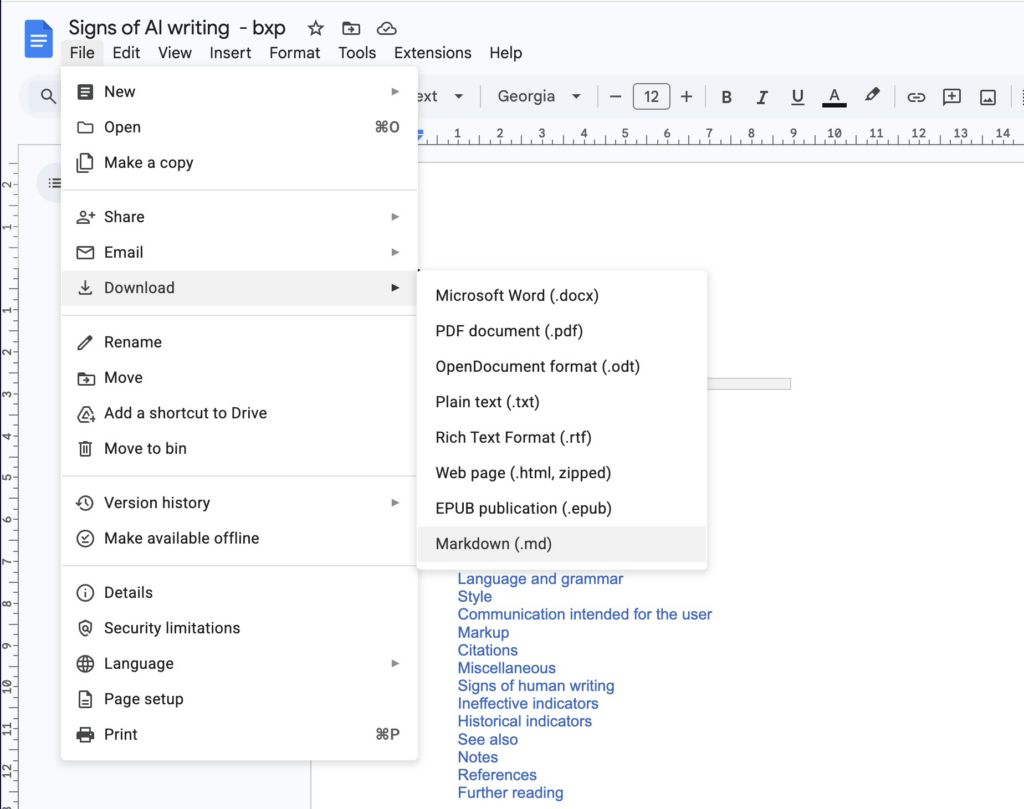
Download as markdown so you can use it in ChatGPT and Claude as well.
Step 2: Upload markdown file to ChatGPT or Claude
Now start a new chat in your AI tool, and do not immediately start with your task. First, upload the anti-ai-writing.md file.
Now add this to your Skills and your AI chat will never write like AI again
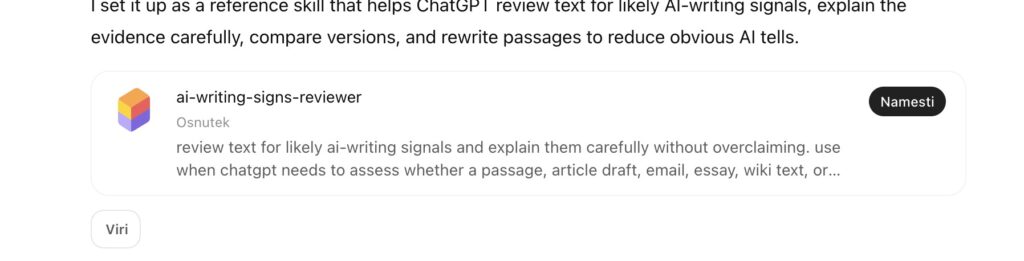
Now open your profile and click on Skills (spretnosti). Now ask ChatGPT to turn it into a skill.

And voila, the skill is ready to test. Open new chat and test it out.