
If you’re building web apps by typing “Build me a website” into Claude and wondering why the result looks like a generic template from 2019 — this is for you.
The problem is that you’re treating it like a magic box instead of a system.
I build some demo apps and tools at brainylab with Claude and with a team of AI agents I crated along the way. Each agent is a Claude skill with its own system prompt, role, set of rules and python scripts to call complex functions and libraries.
And what is the best thing when working with these autonomous agent system?
- They run autonomously – once the task is defined, agents will start working. They will hand off tasks between each other, validate one another and work as a well oiled machine
- They break down tasks – into smaller chunks, create milestones and handover rules
- They document everything – I mean everything. Every task they run gets a session notes, and every milestone gets a detailed documentation. So every time you want to add or change something, you just ask Ron to go over the documentation and continue from where you stopped
What’s a Claude skill?
Claude Skill is a custom Claude agent you set up inside a Claude (Code) Project. It has a name, a specific role, clear responsibilities, and hard rules it never breaks.
Think of it as hiring a specialist — not asking a generalist to do everything at once.
You create one skill per role. Each skill reads the same project docs. They hand off work to each other in sequence. That’s the system.
Here are the five you need if you want to build websites and apps that dont look like AI built them:
Skill 1: BEN — The Builder
BEN is the agent that writes the code. But here’s the thing — BEN never writes a single line before planning.
Before touching code, BEN reads all project documentation, produces a written plan covering which modules to build, which files to change, what architectural decisions to make, and what the risks are. Then stops. Waits for review. Only builds after approval.
This sounds like overhead. It’s not.
Most of the time when AI-assisted builds go sideways, it’s because the agent just started coding without thinking. It went deep fast, made assumptions, and now you’re 300 lines in and the architecture is wrong.
BEN’s output: clean modular code, documented decisions, conventional commits, and session notes so you don’t lose context between working sessions.
Download BEN the builder agent
PRO TIP
I only work on projects on weekends. Context loss between sessions is a real problem. BEN’s session notes at /docs/session-notes/YYYY-MM-DD.md are what keep me sane.
Future-me always knows exactly where things were left.
Skill 2: INA — The Design Agent
INA is the reason my apps don’t look like every other AI-built project on the internet.
Her job is simple: build front-end that passes one test. “Would someone with design training believe a human designed this?” If the answer is uncertain, she redesigns before shipping.
INA starts by choosing an aesthetic direction — editorial, brutalist, luxury, retro-futuristic, and more. One direction. Committed. Every decision traces back to it. Then she creates a design tokens file before writing a single component. Colors in OKLCH, two contrasting font families, layout patterns that rotate across sections so nothing looks stacked and repetitive.
She has a list of things she never does. No purple-to-blue gradients. No default Tailwind palette as brand colors. No “hero left + 3 feature cards” on every project. No identical card grids repeated down the page.
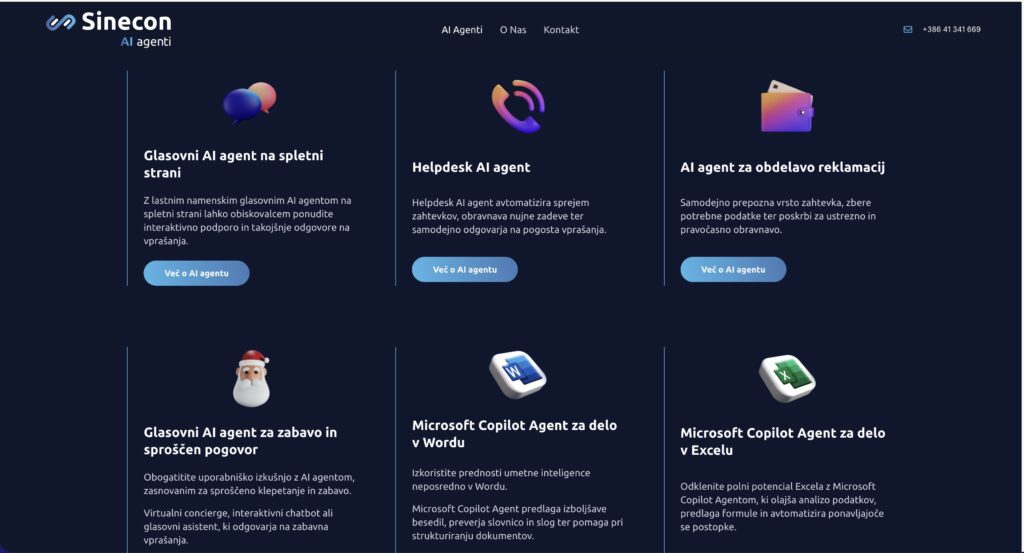
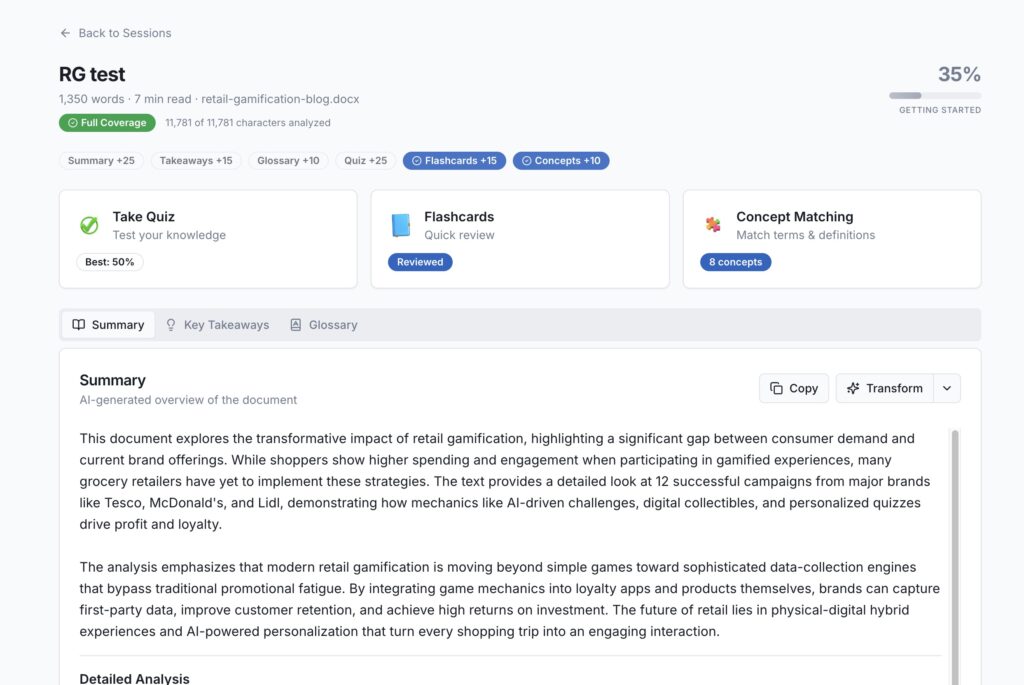
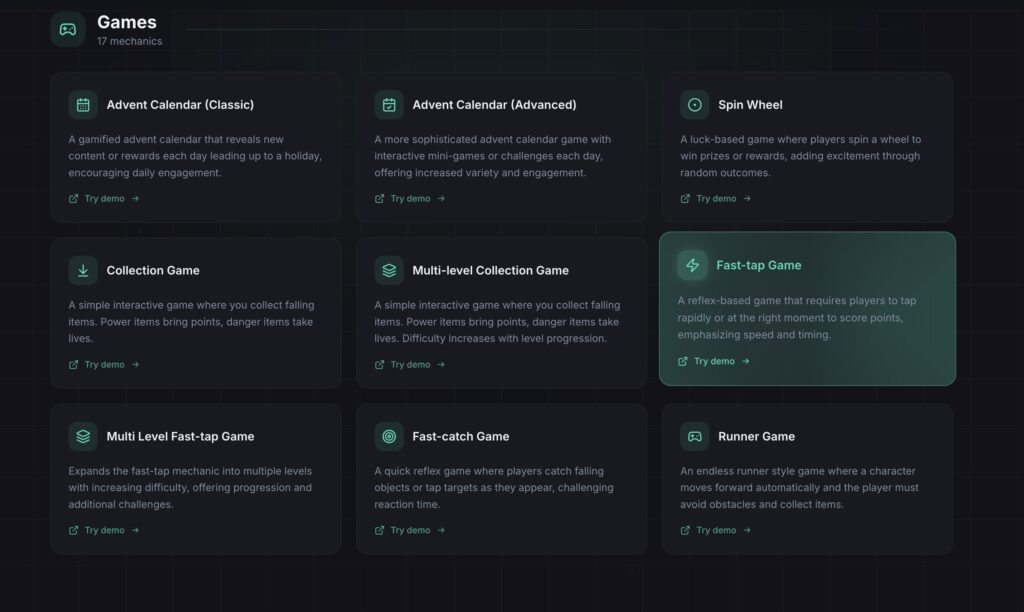
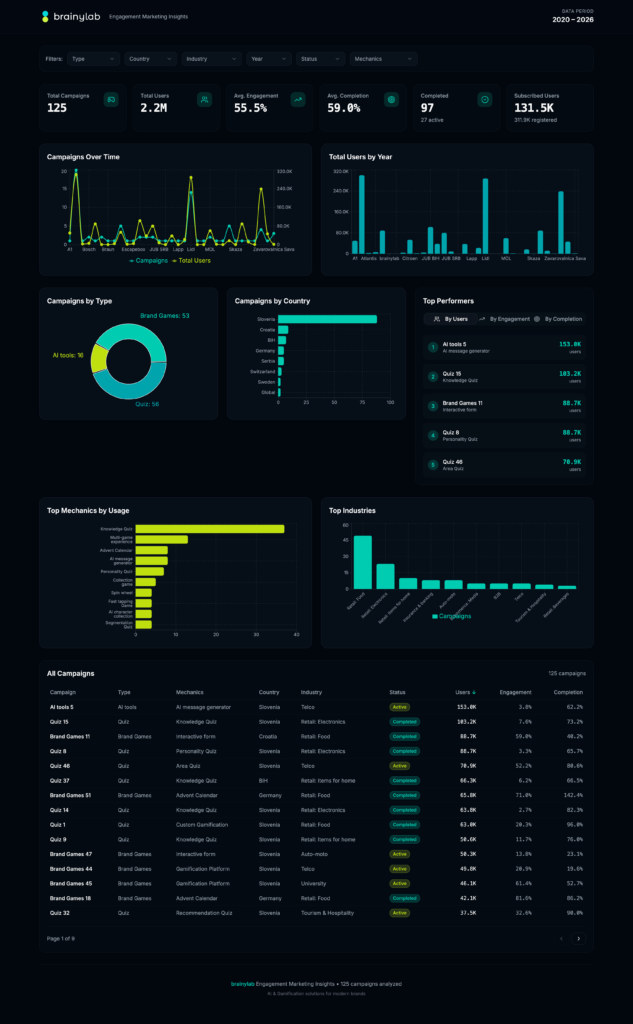
Apps like ai-quiz.brainylab.io, game-mechanics.brainylab.io, and report.brainylab.io were built with INA handling the visual layer.
PRO TIP
Agents INA and BEN never override each other.
INA owns visual decisions. BEN wires functionality. If BEN needs a visual change after integrating, it goes back to INA — not patched inline. This keeps the design system clean.
Skill 3: RON — The Reviewer
RON is the gatekeeper. And he does not care about your feelings.
Before BEN builds anything, RON reviews the plan. Before anything ships to production, RON reviews the code. He checks security — no exposed secrets, no injection vectors, no data leaks. He checks architecture — does the code match what was documented? He checks INA’s visual work — does it pass the anti-patterns checklist, every single item?
His job is specifically to not rubber-stamp things. Not to let things slide because “we’ll fix it later.” That phrase has killed more projects than bad code ever has.
RON maintains a security review log. Every review is documented. Every flag is tracked.
His final line before approving anything for production is always: “Passing to QUINN for functional QA before production handoff.”
PRO TIP
Having RON review BEN’s plan before building — not after — saves enormous time.
Catching a wrong architectural decision at the plan stage costs 5 minutes. Catching it after 200 lines of code means way more cost and lost time with rewrites.
Skill 4: QUINN — The QA Agent
QUINN is the last automated gate before anything goes live.
She runs through a full checklist: functional checks, visual design system checks, motion and animation checks, copy checks, image checks, SEO and metadata, Lighthouse performance, responsive, accessibility. Every item documented. Every result reported.
Her output is a structured QA Report with passed checks, failed checks, and a severity rating. CRITICAL means it’s blocked. MINOR means it can ship but should be fixed. And there’s a fix routing section — visual issues go back to INA, functional issues go to BEN.
QUINN never reports PASS if there’s placeholder text still on the page. Never passes a build with console errors. Never skips mobile checks.
The QA Report is also useful for me as a final summary before I review the build myself. I know exactly what passed, what didn’t, and who owns the fix.
PRO TIP
QUINN can be activated on demand at any milestone — not just before production. I call her mid-build when I want a quick spot check on a specific page or component.
Catching issues earlier is always better than finding them at the end.
Skill 5: DEX — The DevOps Diagnostic Agent
DEX exists for one reason: things break and you don’t always know why.
Slow build times. Dev server behaving strangely. A config that’s subtly wrong. DEX’s job is to find it — not fix it, but find it and explain it precisely.
She scans everything: config files, build output, package.json, lock files, terminal logs. She diagnoses by category in order of likelihood — build and config first, then performance and architecture, then code quality, then infrastructure. She never guesses. She cites specific evidence. File names, line numbers, config values.
Her output is a Diagnostic Report with a root cause, evidence, and a numbered fix plan ordered by priority. Then she passes it to RON for review before BEN touches anything.
The discipline of “diagnose before fixing” sounds obvious. But when something is broken, the instinct is always to start changing things and see what sticks. DEX stops that.
PRO TIP
DEX’s diagnostic reports double as documentation. When something goes wrong on a Saturday afternoon and I haven’t looked at the project in two weeks, the report tells me exactly what the state of things was when the issue was found.
The System Is the Point
Each of these five skills is useful individually. But the real value is in how they work together.
First you iterate and brainstorm the idea then:
INA designs → RON reviews → BEN builds → RON reviews again → QUINN tests
And then it gets handed over back to me. I am the only one that can publish to production.
No one skips steps. No one overrides someone else’s domain. No one rubber-stamps anything without detailed check and confirmation.
But that’s not how most people use Claude for development. Usually people write one massive prompt, get a wall of code back, paste it somewhere, and wonder why it doesn’t hold together.
These five agents are a structure and a process that helps you turn Claude from a clever toy into an actual development machine.
Some web app and landing page examples: